Topics & direct messages
Give each conversation a home with public and private topics, alongside direct messages.


THE SIGNAL FEATURES COLLECTION
Conversation, creative work and the context behind it.
Explore the tools that make Friday one connected platform.
01 / Collaboration
Bring conversations closer to the creative work. Keep the decisions, questions and files your team needs in one workspace.
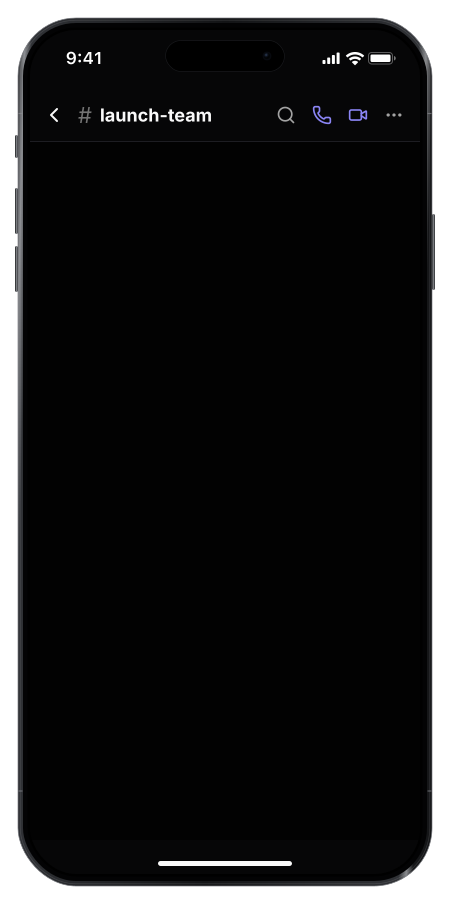
Give each conversation a home with public and private topics, alongside direct messages.
Move from a written discussion to a live conversation without leaving the workspace.
Keep feedback and decisions alongside the content they affect.
02 / Content & review
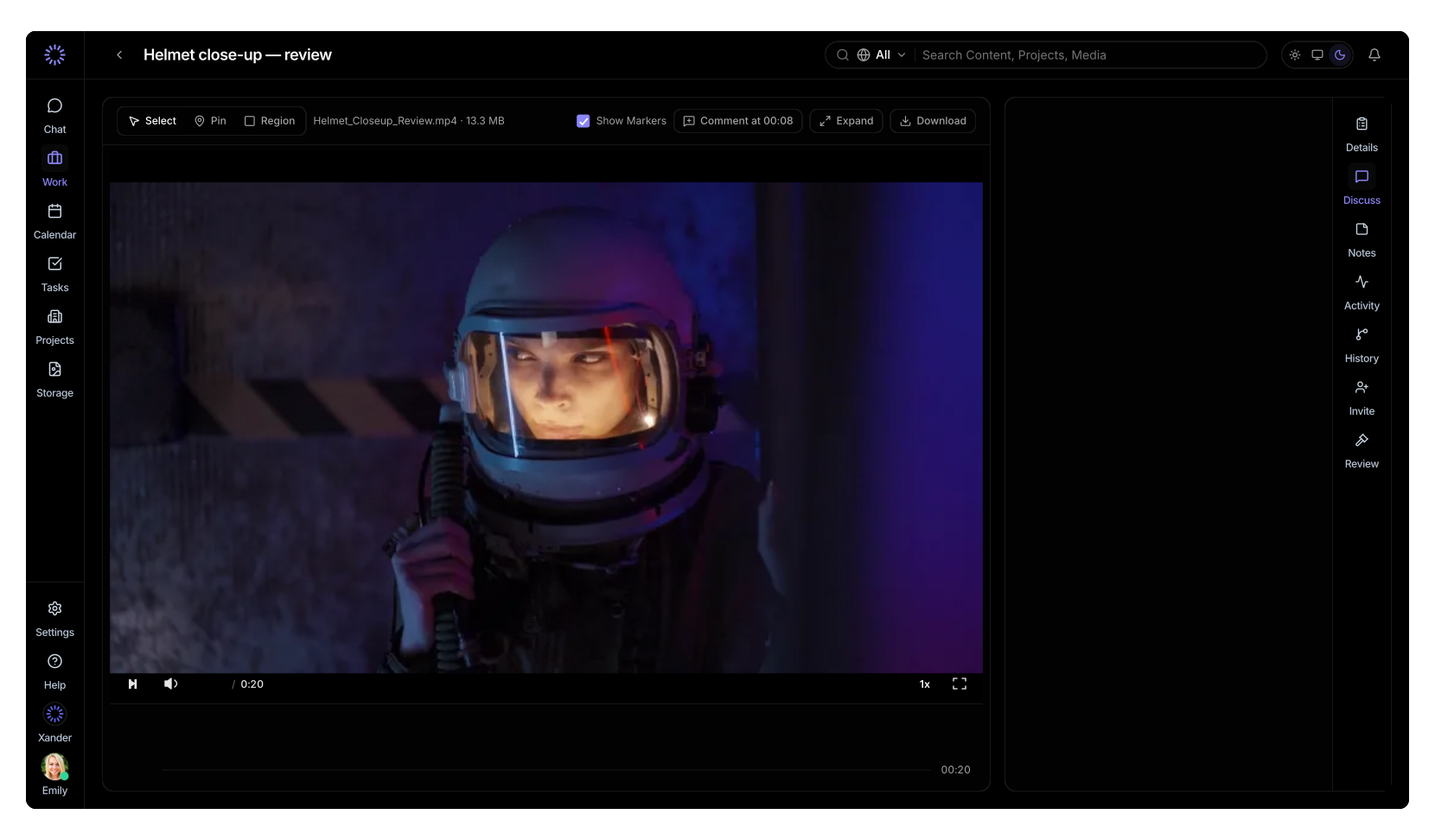
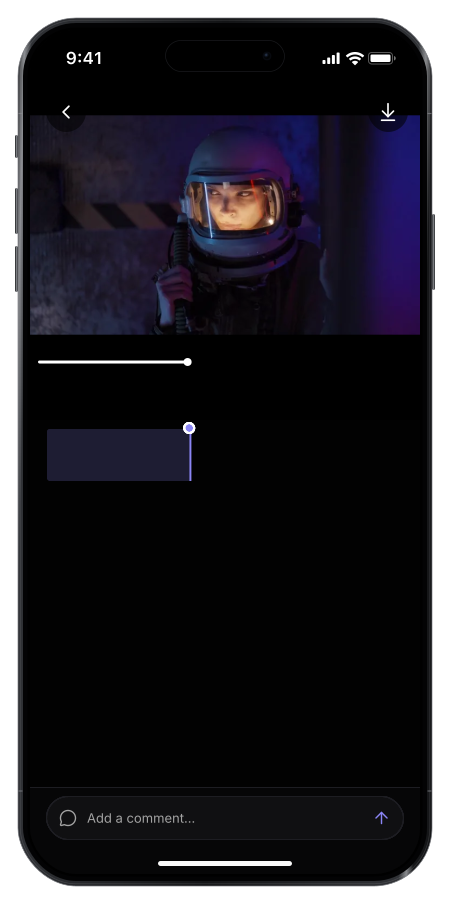
Attach a note to the moment you mean, so the team knows where to focus.
Point to an area in the frame and explain exactly what needs changing.
Keep track of creative revisions and approval states for each platform.
Bring stakeholders into the review process so feedback stays with the work.
03 / Projects & knowledge
Keep the plan and the information behind it connected. Your team and Xander can work from the same project context.
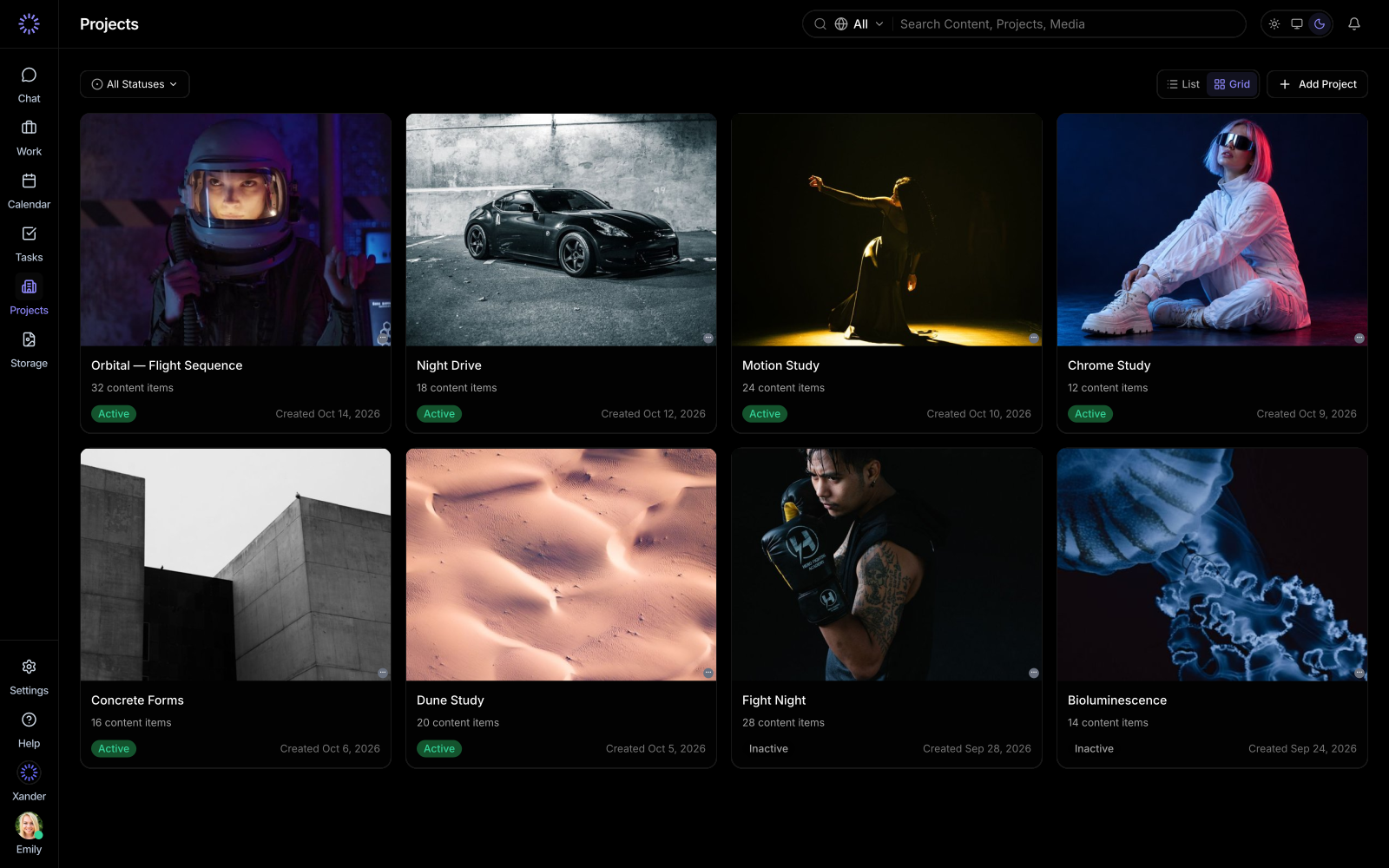
Organize your content, conversations and responsibilities around the work.
Manage your team and control who can access your workspace and creative work.
Keep briefs, brand requirements and regional guidelines close to the work.
04 / Tasks & ownership
Make it clear who is responsible and when the next step is due.
See what’s waiting, in progress and complete.
Keep project deadlines, milestones and scheduled work visible across the team.
05 / Storage
Store creative assets reliably and deliver them quickly to teams around the world.
Explore the Team Plan →06 / XANDER · YOUR AI OPERATIONS PARTNER
Xander works with your content, project knowledge and discussions to help the team understand what’s happening and what comes next.
Catch up on a project, clarify the brief or ask what needs attention.
“What’s holding up the launch?”
Get content feedback and check whether a new version addresses earlier notes.
“Did V3 address Jack’s feedback?”
Work through tasks, ownership and handoffs using the context in the project.
“Help me organize the remaining changes.”
THE WHOLE OPERATION, TOGETHER